LaTeX to Word: The Complete Workflow for Co-Authors Who Don't Use LaTeX
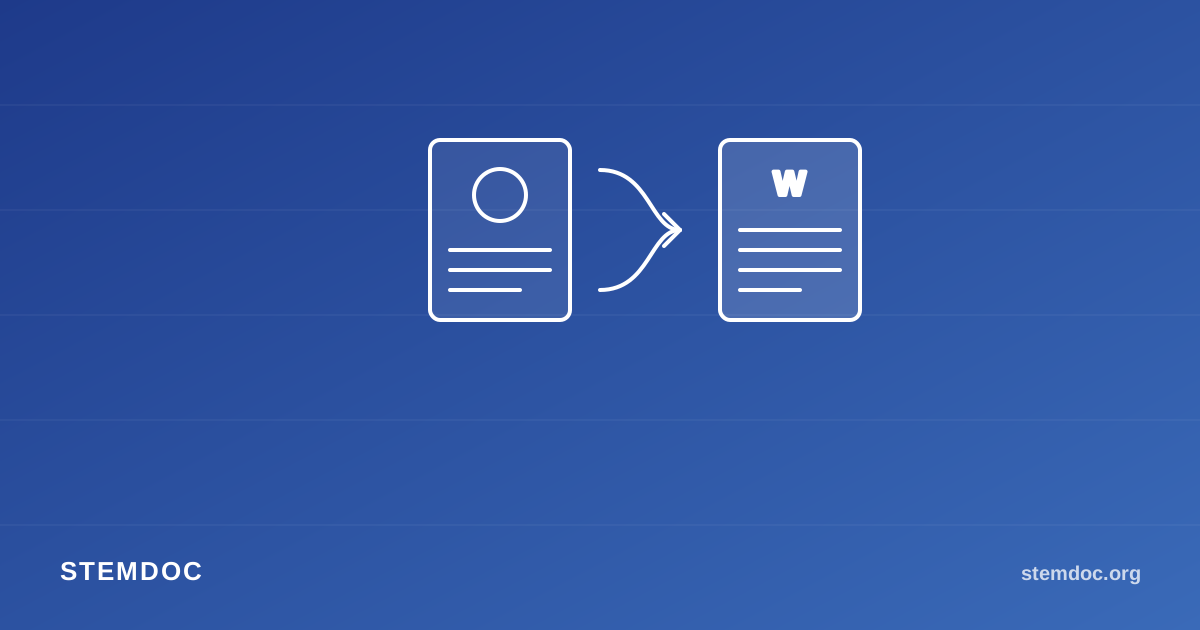
Multi-author STEM papers almost always run into this split: the people doing the technical writing work directly in LaTeX, and the people reviewing drafts — a PI, an external collaborator, a non-technical co-author, sometimes a journal's own editorial staff — want a Word document they can comment on with Track Changes. Nobody wants to maintain two separate versions of the same paper by hand.
Why "just export a PDF" doesn't solve it
Compiling straight to PDF is easy, but PDFs aren't editable, and Track Changes doesn't exist in a PDF the way it does in Word. Comments end up scattered across email threads, sticky notes on printouts, or a separate Google Doc that immediately drifts out of sync with the actual manuscript.
A workflow that keeps one source of truth
- Keep your LaTeX source as the single source of truth. That's where equations, figures, and the bibliography actually live and get versioned, regardless of which editor or version control setup your team uses.
- Gather the .tex source along with your
.bibfile and any figures. - Convert to Word with Stemdoc's Advanced mode — upload the LaTeX text, the
.bibfile, and your figures together, pick the citation style your co-authors expect, and let the preflight check catch anything that would otherwise fail silently (a missing figure, an unresolved cross-reference, an uncited bibliography entry). - Share the resulting .docx for comments and Track Changes. Non-LaTeX co-authors get a document they can actually edit — equations included, not screenshotted.
- Manually fold accepted changes back into the LaTeX source before the next round. This is still the one manual step, but it's a much smaller amount of work than retyping an entire paper.
Why this beats copy-pasting from a PDF preview
Copying rendered text out of a PDF preview strips your math down to plain Unicode symbols at best, and garbled text at worst. Converting from the actual LaTeX source — the way Stemdoc does it — preserves the equation structure as native, editable Word math objects, and keeps your citations formatted correctly instead of turning into plain bracketed numbers with no bibliography.
If your lab or research group does this conversion more than once, it's worth bookmarking: Stemdoc's Advanced converter handles the LaTeX-to-Word half of this loop directly, citation style and all.